How it works
Plug in the PowerOK Node
The PowerOK Node plugs into power and connects to the internet. Place it at the site you want to monitor—workshop, hangar, cabin, anywhere with power and internet.
Go to Claim a device, enter the code from the sticker on your Node, and assign it to your site. No complex configuration. Just plug in, claim, done.

Heartbeats to the cloud
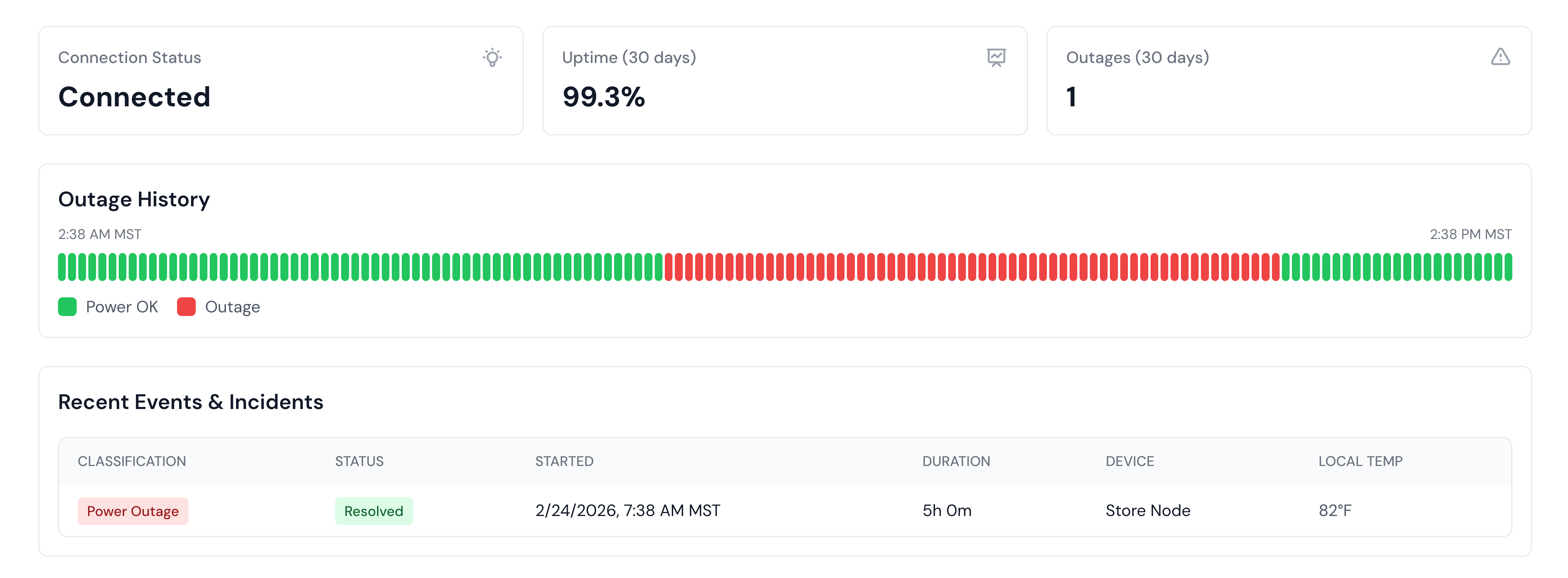
Every minute, the Node sends a heartbeat to the PowerOK cloud. If power goes out, the heartbeat stops. We detect the missed heartbeat within minutes.
The PowerOK Node has a built-in battery. During brief outages, it keeps sending heartbeats until the battery runs out—so you know exactly when power came back (or didn't).
You get notified
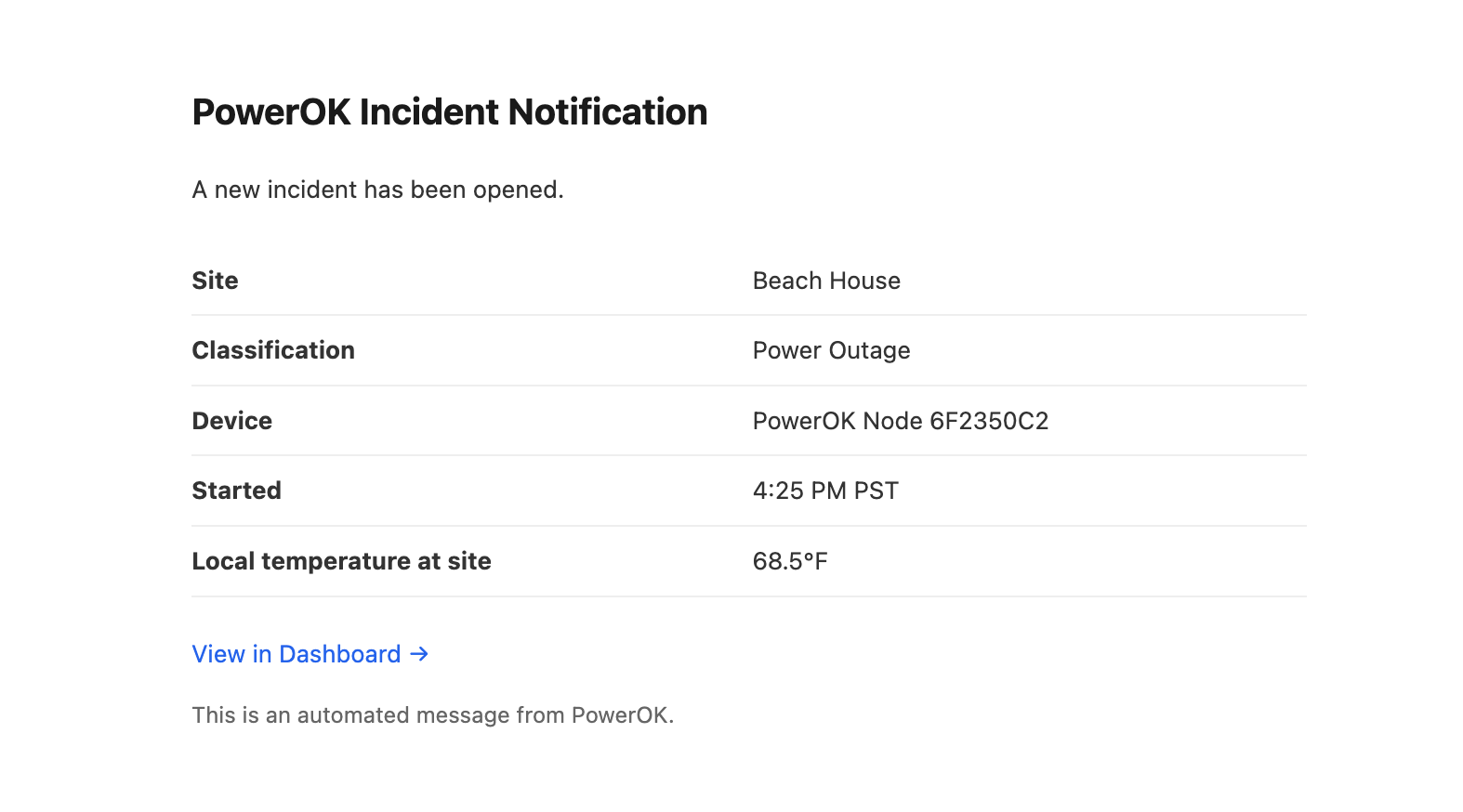
When we detect a power outage, we send an email alert within minutes. Your dashboard shows real-time status for every site: online, offline, last heartbeat, outage history, and uptime.
One dashboard can monitor unlimited sites. Add sites as you grow. One Node per site. Standard Monitoring: $3/month per owner account.